
How CompGenies works
Four steps. The longest one is installing it.
- 1
Install the extension
Add CompGenies to Chrome. No account required for the free plan — it starts working immediately.
Chrome, Edge, Brave, Arc and any other Chromium browser.
- 2
Open a live auction
Head to Whatnot, eBay Live, or TikTok Live. CompGenies wakes up only on those sites and sits quietly in the corner.
Drag the panel anywhere. Collapse it with one click.
- 3
Scan the item
Press Scan Item and CompGenies reads the item title from the stream page, then queries real eBay sold listings.
Pro users can turn on Auto mode so each new lot scans itself.
- 4
Read the number, then bid
Median sold price, the last handful of sales with dates, and the full price range — so you know your walk-away number before the bidding gets loud.
One click opens the full eBay sold search if you want to dig deeper.
What you actually see
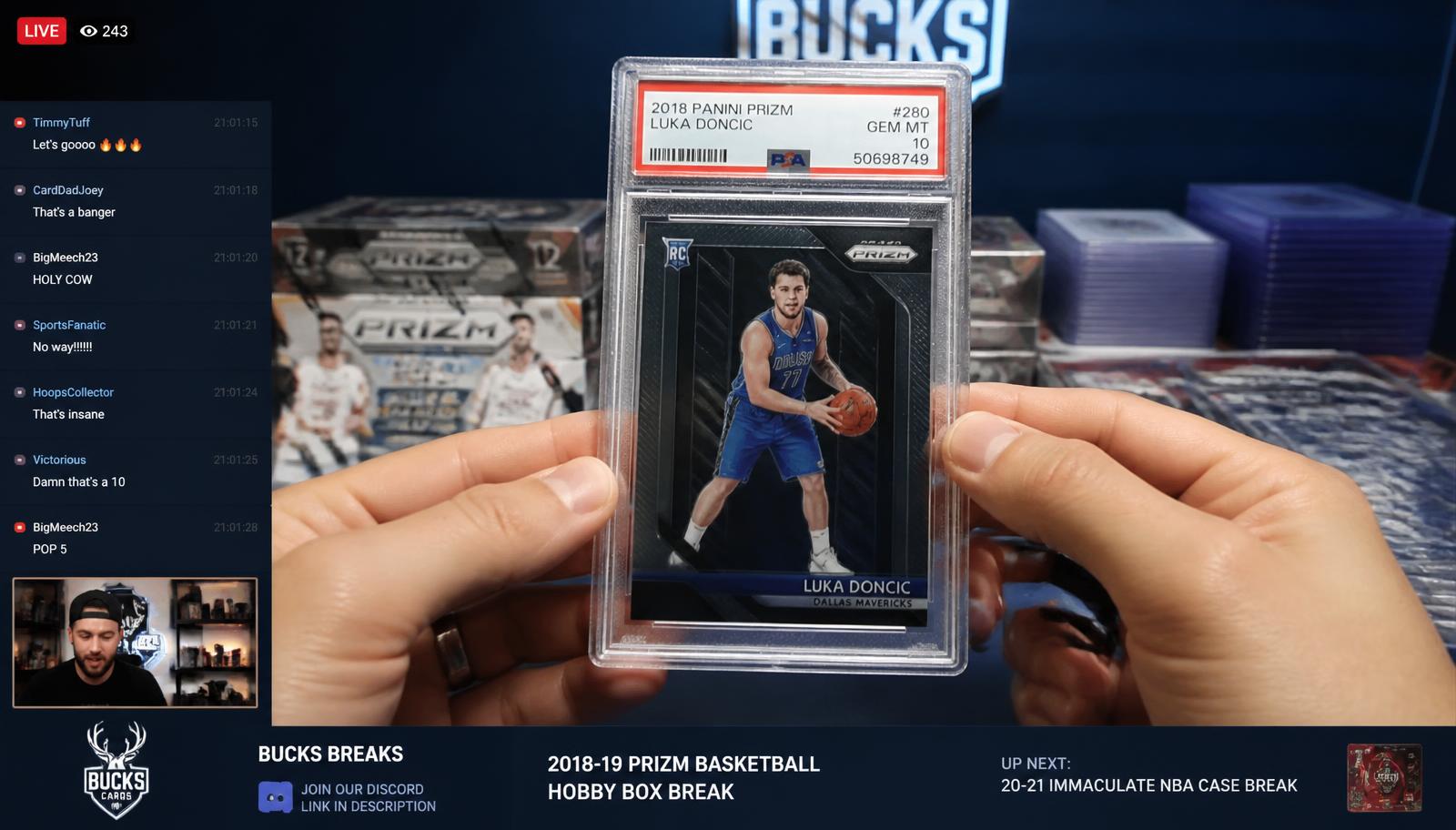
A compact panel pinned over the stream. Item title CompGenies detected, median sold price, the recent sales it used, and the price range. Nothing else competing for your attention.
Detected item
2018 Panini Prizm Luka Doncic #280 RC · PSA 10
Median sold
$812
Range
$725 – $950
- $812.00Best offer acceptedAug 24
- $795.00AuctionAug 22
- $849.99Buy It NowAug 20
- $780.00AuctionAug 18